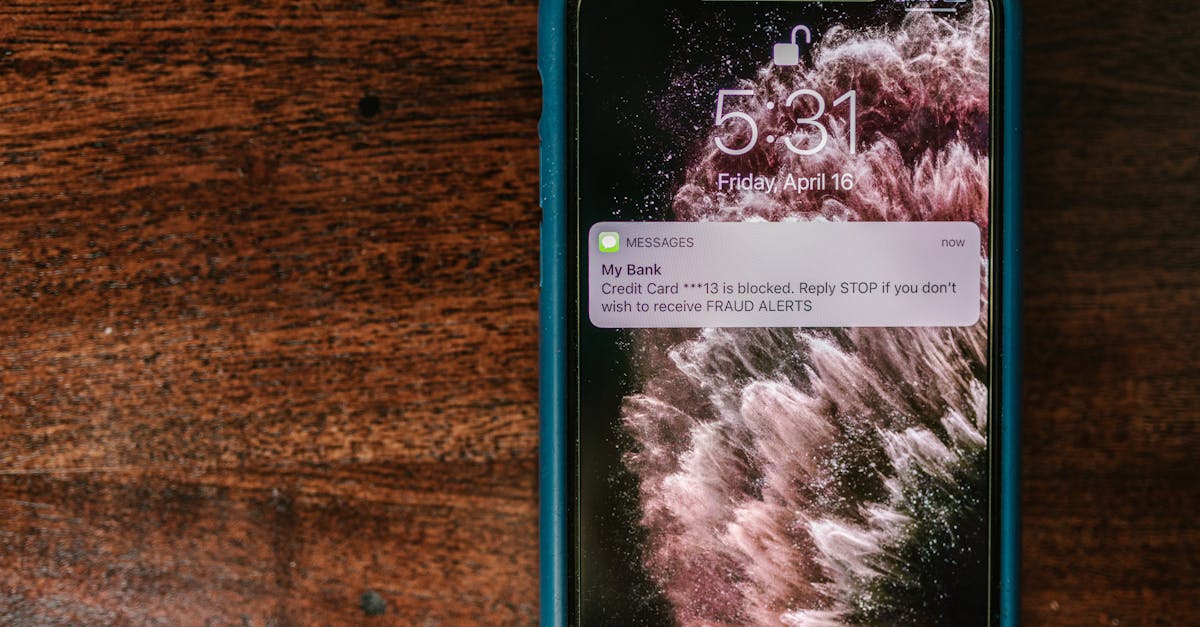
Ever wondered what happens to your messages when you’ve been unceremoniously blocked on an iPhone? It’s a digital mystery worthy of a detective novel. Picture this: you send a text, eagerly awaiting that sweet “delivered” notification, only to be met with radio silence. Is it a ghosting situation or just the cruel hand of technology?
Table of Contents
ToggleUnderstanding Message Delivery on iPhone
Message delivery on an iPhone involves several processes that determine how and when users receive texts. The iMessage system and SMS protocols handle this communication differently.
How Messaging Works on iPhone
Messaging on iPhone relies on two main protocols: iMessage and SMS. iMessage operates over Wi-Fi or cellular data, allowing for richer features like read receipts and typing indicators. SMS sends texts through the cellular network, which is more basic but widely supported. Users see blue bubbles for iMessages and green bubbles for SMS. Each protocol has unique delivery confirmations, affecting how senders interpret a recipient’s response.
What Happens When a Message Is Sent
When a user sends a message, the device first checks if the recipient uses iMessage. If so, it transmits the message via the internet. A “delivered” notification appears once the system confirms receipt by the recipient’s device. In contrast, SMS messages may show “sent” or “delivered” depending on the carrier. If a user is blocked, the sender won’t see the “delivered” notification, leading to uncertainty about the message’s status.
The Impact of Blocking a Contact
Blocking a contact on an iPhone significantly alters message delivery dynamics. Understanding these changes can clarify what happens when someone attempts to reach out.
Effects on Message Delivery Notifications
When a user blocks someone, the blocked individual won’t see the “delivered” notification for their messages. This absence can confuse the sender, leading them to question if the recipient is ignoring them or if there’s an issue on their end. In the case of iMessage, messages simply fail to display any delivery status. Senders might believe the message went through, but it remains in limbo. Overall, blocking effectively eliminates any confirmation of message receipt.
Visual Indicators of Blocking
Several visual cues indicate that a contact has been blocked. First, iMessages from a blocked number won’t appear in the messaging thread. Instead, users can only view messages sent prior to the block. Further, the sender may notice that previous messages lack the “delivered” status, adding to the uncertainty. For SMS, texts may appear as sent but lack any indication of delivery. Warnings appear through the absence of typical message responses, such as read receipts, signaling a definitive change in communication.
Common Misconceptions About Message Delivery
Misunderstanding how message delivery works on iPhones contributes to confusion over blocking situations. Specific myths and facts often circulate, impacting users’ perceptions of how their messages are received.
Myths About “Delivered” Status
A common myth suggests that a message shows as delivered unless the recipient blocks the sender. In reality, when a contact is blocked, messages fail to show any “delivered” status. That means senders may wrongly assume their texts are getting through. Another belief is that messages sent via SMS will display a “delivered” status even if blocked, which isn’t accurate. Blocked SMS messages may appear sent but don’t offer confirmation of delivery, adding to the sender’s uncertainty.
Clarifying Message Read Receipts
Some users think read receipts function similarly regardless of whether a recipient has blocked the sender. This misconception overlooks that read receipts activate only when messages successfully reach the recipient. Blocking disrupts this process, preventing any read notifications. Furthermore, not all users enable read receipts, making it challenging to determine if a contact has seen a message. Understanding these nuances provides clarity about message interactions.
Troubleshooting Message Delivery Issues
Understanding message delivery issues can clarify what happens when someone is blocked on an iPhone. The following steps can help identify if a contact is blocked.
Steps to Check for Blocked Contacts
Start by checking the contact’s status in the messaging app. Open the Messages app, then look for previous conversations with the contact. If the last messages lack a “delivered” status, it might indicate blocking. Next, attempt to send a message. If it shows as sent without a delivery confirmation, this reinforces the possibility of being blocked. Additionally, review the blocked contacts list through Settings. Under Messages, navigate to “Blocked Contacts.” Finding the contact here indicates they are blocked.
When to Consider Alternative Communication Methods
Considering alternative communication methods becomes essential in certain situations. If messages continue to show as sent but without delivery status, exploring other platforms may help. Reach out through email or social media if the contact appears blocked. Utilizing phone calls or video chats plays a crucial role in resolving urgent matters. Checking with mutual friends regarding the contact’s status could clarify the situation without making assumptions. In many cases, switching to another messaging app may provide a seamless way to communicate without confusion.
Understanding the implications of being blocked on an iPhone can help clarify the confusion surrounding message delivery. Without the “delivered” notification, senders are often left wondering about the status of their messages. This lack of confirmation can lead to uncertainty and misinterpretation of the recipient’s intentions.
By recognizing the differences between iMessage and SMS protocols, individuals can better navigate their communication experiences. Exploring alternative methods of reaching out can also provide solutions when traditional messaging fails. Ultimately, being aware of these nuances can enhance digital interactions and reduce misunderstandings in the realm of messaging.