Working from home isn’t going anywhere, and if you’re trying to carve out a functional office in a spare bedroom, closet, or hallway nook, every square foot matters. A poorly planned layout turns a small space into a cramped, cluttered cave where productivity goes to die. But get the layout right, desk placement, lighting, storage, and even a 50-square-foot corner can feel efficient and comfortable. This guide walks through seven practical strategies to design a small home office layout that actually works, from furniture configuration to zoning tricks that help separate “work mode” from the rest of your home.
Table of Contents
ToggleKey Takeaways
- Measure your space and assess your actual work needs—whether it’s video calls, physical materials, or focused writing—before selecting furniture to avoid a cramped, cluttered small home office layout.
- A corner or L-shaped desk anchored with an ergonomic task chair ($150–$300) forms the foundation; prioritize proper seat height, lumbar support, and arm positioning to prevent discomfort during long work sessions.
- Maximize small spaces by going vertical: floating shelves, pegboard, adjustable closet systems, and cable management can double usable capacity without consuming floor space.
- Position your desk perpendicular to the window and layer lighting with a desk lamp (3000K–4000K range) plus bias lighting behind your monitor to eliminate screen glare and eye strain.
- Create visual and functional zones using area rugs, bookshelves, or cable trays to mentally separate work from leisure, and choose multi-functional furniture like storage ottomans and rolling carts that earn their footprint.
Assess Your Space and Define Your Needs
Before buying a single piece of furniture, measure the room. Use a tape measure, not eyeballing, and note the dimensions of the floor area, ceiling height, window locations, and door swing clearance. Sketch it on graph paper or use a free room planner app.
Next, define what you actually do in this space. Are you on Zoom calls all day? You’ll need a clean background and good lighting. Do you work with physical materials, sketches, or samples? Plan for flat surface area and drawer storage. If you’re coding or writing, prioritize ergonomic seating and monitor placement.
Don’t skip the electrical audit. Count outlets and check their locations. If you’re stuck with one duplex outlet on the far wall, you’ll need a quality surge protector with a 6-foot cord minimum. Also check if the circuit is shared with high-draw appliances, nothing kills a video call like a tripped breaker when someone starts the microwave.
Finally, acknowledge deal-breakers. If the space is next to a bedroom where someone sleeps different hours, sound control matters. If there’s no door, you’ll need visual boundaries. This isn’t about perfect conditions, it’s about knowing the constraints so you can design around them.
Choose the Right Desk and Chair Configuration
In a small office, the desk is the anchor. Corner desks maximize square footage by using two walls, leaving the center open. L-shaped configurations work well if you need separate zones for a computer and paperwork. For truly tight spaces, a floating desk, a wall-mounted surface with no legs, can be as narrow as 18 inches deep and still hold a laptop and notebook.
Nominal desk depth is usually 24 or 30 inches, but actual usable depth after accounting for monitor stands and cable management can shrink to 20 inches. If you’re using dual monitors, plan for at least 48 inches of width. Adjustable-height desks are worth it if you spend more than four hours a day seated, but manual crank models run $200–$400 less than electric and work just as well if you don’t mind the effort.
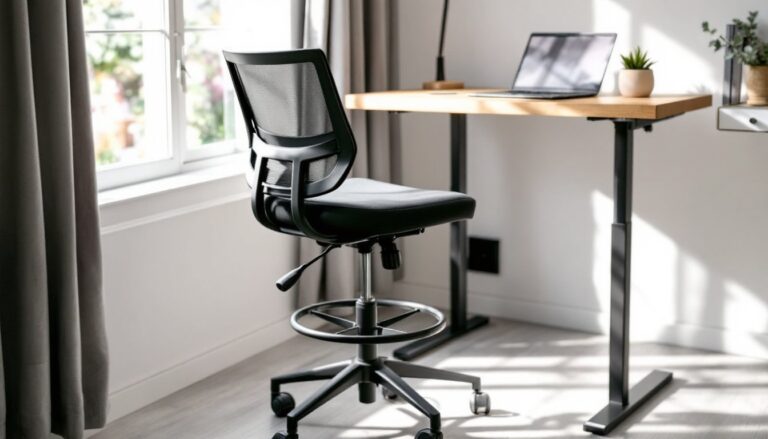
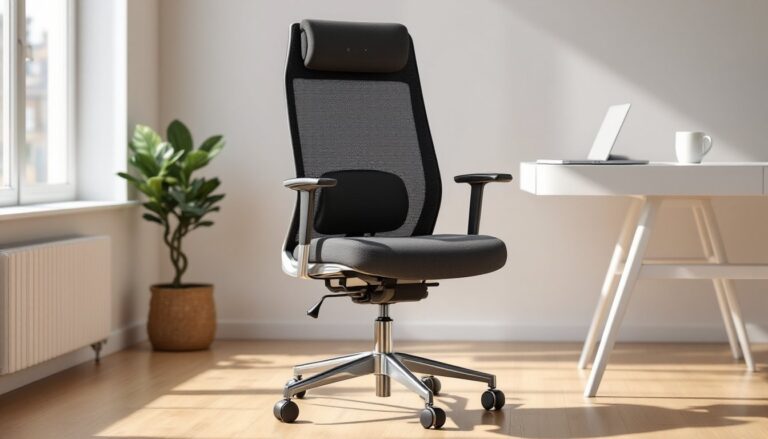
Chair fit is non-negotiable. Your feet should rest flat with knees at 90 degrees, and armrests should let your elbows sit at keyboard height without hunching. Skip the “ergonomic” label and test the chair, if it doesn’t have adjustable seat height, lumbar support, and tilt tension, it’s not actually ergonomic. Budget $150–$300 for a solid task chair that’ll last five years.
For compact desk options that don’t sacrifice function, consider fold-down models or narrow writing desks with a single drawer. Pairing the right desk with a properly adjusted chair is the foundation of a workspace that won’t leave you sore by noon.
Optimize Vertical Storage Solutions
When floor space is limited, the walls become your storage inventory. Floating shelves installed 12–18 inches apart can hold books, binders, and office supplies without the footprint of a bookcase. Use shelf brackets rated for at least 50 pounds if you’re loading reference materials: hollow-wall anchors aren’t enough for heavy loads, find studs or use toggle bolts.
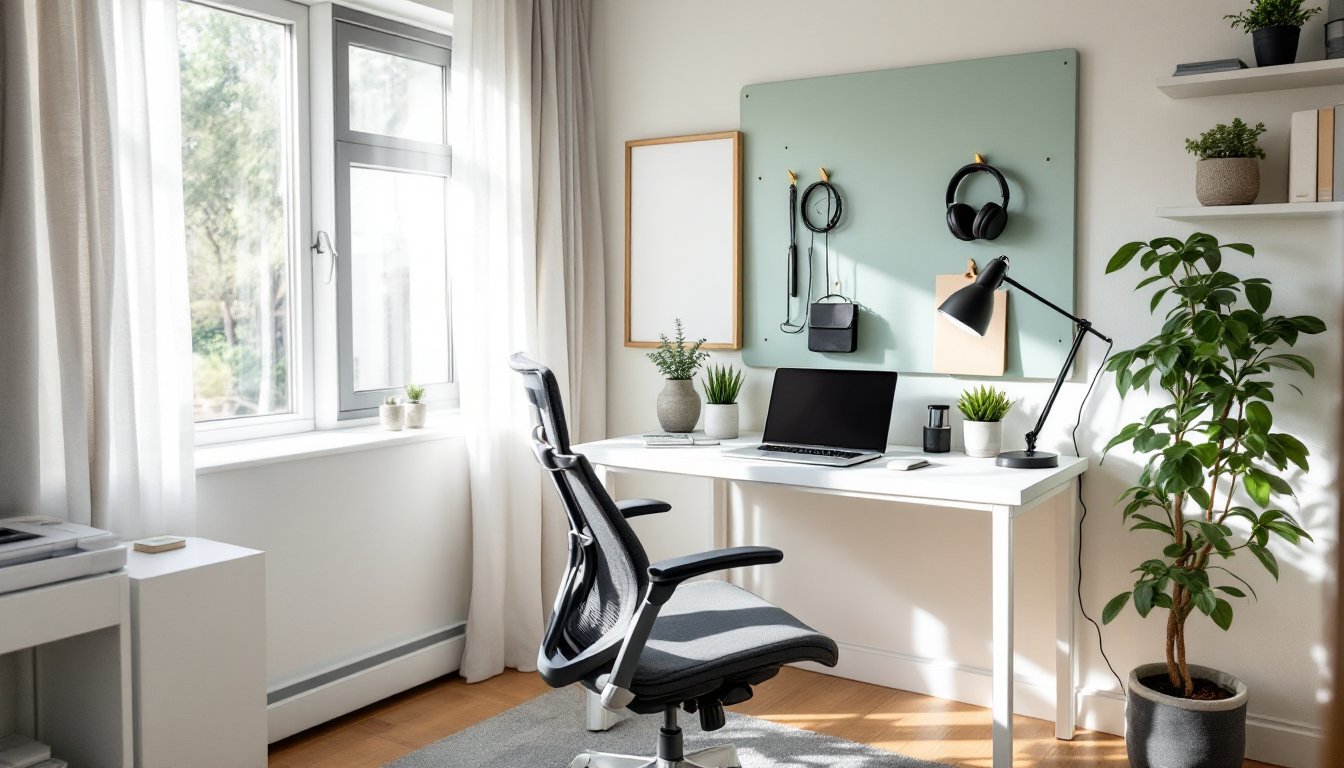
Pegboard is underrated in home offices. A 2×4-foot section mounted above the desk holds hooks for headphones, cables, scissors, and notebooks. Paint it to match the wall or leave it raw for an industrial look. Pegboard panels run about $15–$25 and install with basic screws into studs.
If you’re dealing with a closet conversion, remove the old wire shelving and install adjustable shelving standards (the slotted metal strips). This lets you move shelves up or down as needs change. Pair it with bins or baskets to keep small items from becoming visual clutter.
Magnetic strips work for tools like scissors, rulers, and metal clips. Adhesive cable clips keep charging cables within reach but off the desktop. The goal is to keep daily-use items accessible without covering your desk surface. Many homeowners overlook that vertical storage in a small home office can double usable capacity without adding square footage.
Whatever you mount, check the wall type first. Drywall, plaster, and drywall over masonry all require different anchors. If you’re renting, ask the landlord about mounting restrictions before drilling.
Design for Natural Light and Proper Lighting
Place your desk perpendicular to the window when possible, not facing it. Facing a window creates glare on your screen and forces your eyes to constantly adjust between bright outdoor light and a dim monitor. Sitting with your back to the window can create a silhouette effect on video calls. Perpendicular placement gives even light on your face and workspace without glare.
If the window is your only wall, use sheer curtains or adjustable blinds to diffuse direct sun. Blackout curtains work for video calls if you add dedicated task lighting, but they kill the benefit of natural light during the day.
For lighting setups that support productivity, layer your sources. Overhead lighting alone creates shadows and eye strain. Add a desk lamp with adjustable brightness, LED models in the 3000K to 4000K range (neutral white) reduce eye fatigue better than cool blue-white bulbs. Look for lamps with a Color Rendering Index (CRI) above 90 if color accuracy matters for your work.
Bias lighting, a small LED strip mounted behind your monitor, reduces eye strain by lowering the contrast between the screen and the wall behind it. These strips cost $10–$20 and plug into a USB port.
If you’re on video calls regularly, a clip-on ring light or a small softbox positioned at eye level in front of you (not above or behind) eliminates shadows and gives a professional look. Don’t rely on overhead cans or a single desk lamp for video, it’ll light the top of your head and leave your face in shadow.
Create Zones in Your Small Office Layout
Even in a 6×8-foot space, zoning helps you mentally shift between tasks. The simplest method is the “active” and “reference” split. Your active zone is the desk and immediate reach area, computer, notebook, phone. The reference zone is within two steps: shelves, filing, supplies you need weekly but not hourly.
If the office doubles as a guest room or hobby space, use a room divider, bookshelf, or curtain to visually separate work from the other function. A narrow bookshelf perpendicular to the wall works as both storage and a partial screen. It doesn’t need to reach the ceiling, 48 inches high is enough to define the boundary.
Area rugs are another zoning tool. A small rug under the desk signals “this is the work area,” especially if the rest of the room is hardwood or carpet. Choose a low-pile rug or a chair mat if you use a rolling office chair, thick shag will jam the wheels.
For paper-heavy work, designate a filing zone even if it’s just a wall-mounted file holder or a small two-drawer cabinet. Mixing active tasks with filing and reference on the same surface leads to clutter.
Cable management counts as zoning too. Use a cable tray or raceway under the desk to route power and data cables to one spot. It keeps the floor clear and prevents the “cable spaghetti” that makes a small room feel messy. Velcro cable ties cost $8 for a pack and make a huge difference in visual cleanliness.
Incorporate Multi-Functional Furniture and Decor
Furniture that does double duty saves space and money. A storage ottoman works as both a seat for visitors and a place to stash cables, notebooks, or a small printer. Look for ottomans with a lift-top or removable lid, not just decorative ones.
Fold-down desks or Murphy desk units mount to the wall and close when not in use, leaving the room open for other purposes. These typically require mounting into studs and can support 50–100 pounds when open. Make sure the latch mechanism is solid, cheaper models sag or fail after a few months of daily use.
If you need a side table or extra surface, a rolling cart (like those used in kitchens) can hold a printer, scanner, or office supplies and tuck under the desk or into a closet when not needed. Metal or wood carts with locking wheels run $40–$80 and hold 50+ pounds per shelf.
Consider furniture that scales. A simple console table can work as a standing desk, a credenza, or a side surface depending on what you pair it with. Modular shelving units let you add or remove sections as your needs change.
For streamlined office setups that adapt to shifting tasks, multi-functional pieces are key. Avoid single-purpose furniture unless the space truly supports it. And skip the decorative clutter, every item should either serve a function or genuinely improve your focus. A single plant or a framed print is enough: a dozen tchotchkes just shrink the room visually.
Conclusion
A functional small home office layout isn’t about cramming in more stuff, it’s about intentional placement, vertical thinking, and furniture that earns its footprint. Measure first, define your work style, and layer in solutions that fit the constraints. With the right desk configuration, lighting, and storage, even a closet-sized space can support focused, comfortable work.